E-Commerce Platform
Web App
Build a scalable e-commerce platform in weeks, not months. OneEntry powers everything needed for a modern online store, including product management, payments and subscriptions, smart product recommendations, intelligent search and integrations with external services.

All managed within the OneEntry platform
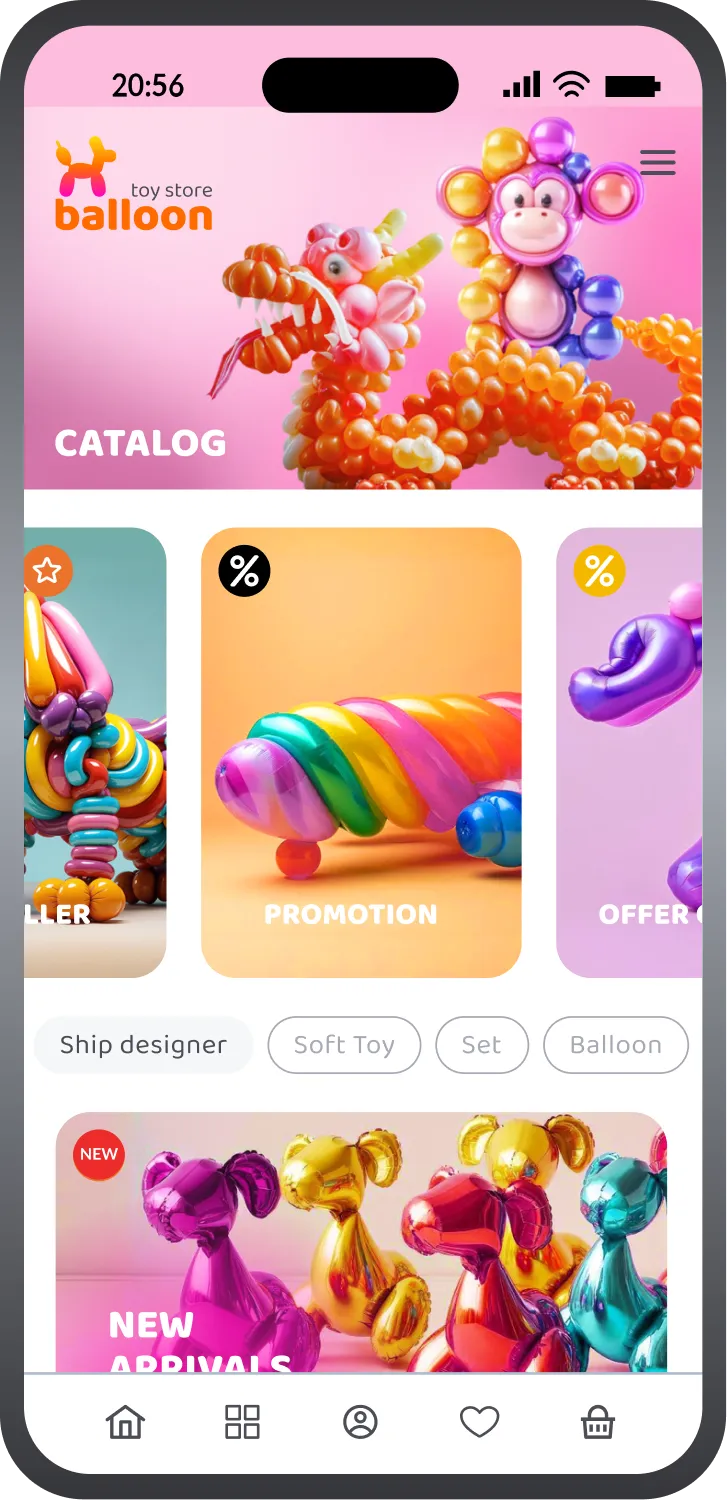
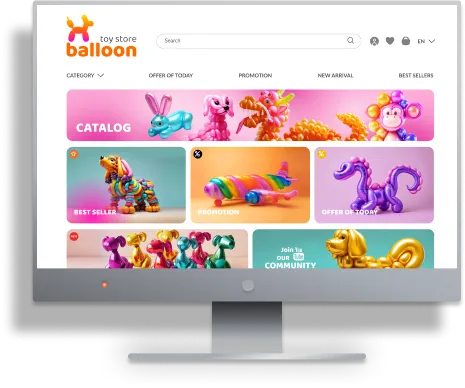
Business Benefits
Online ordering & delivery management
Support seamless online purchasing with shopping cart management, checkout flows, order tracking, delivery options, payment processing, returns, and real-time order status updates across web and mobile channels.
Bulk media & catalog management
Simplify operations for large product catalogs with bulk upload support for images, documents, and other media files, making it easier to manage thousands of products and frequent catalog updates from a single interface.
Advanced search & filtering
Help customers quickly discover products using filters by category, brand, price, attributes, ratings, availability, delivery options, and other parameters, making large product catalogs easier to navigate and explore.
Intelligent & semantic search
Provide fast and accurate product discovery with full-text search, typo tolerance, attribute filtering, and semantic search capabilities that help customers find relevant products even without exact keyword matches.
Smart product recommendations
Built-in recommendation blocks help enhance the customer shopping experience and increase engagement and conversions with trending products, recently viewed items, repeat purchases, complementary products, frequently bought together suggestions, similar products, and smart cart-based recommendations powered by customer activity and purchase behavior.
Customer engagement & loyalty
Build long-term customer relationships with personalized offers, loyalty programs, discounts, reviews, ratings, notifications, customer activity tracking, and tailored shopping experiences based on user behavior and purchase history.
AI analytics & insights
Generate analytics dashboards and reports for products, sales, customers, and store activity with flexible data aggregation and filtering. AI-powered insights help identify trends, analyze customer behavior, forecast demand, and support better business decisions.
Centralized data & integrations
Manage products, customers, orders, payments, inventory, pricing, promotions, and delivery operations from a single system with integrations for payment gateways, delivery providers, accounting systems, ERP, CRM, and other external business services.
Subscription billing & recurring revenue
Create subscription-based products and services with automated renewals, recurring payments, membership plans, and flexible billing models that help increase customer lifetime value and generate predictable recurring revenue.
Use Cases
Examples of businesses this application can support
Electronics and Gadgets
Smartphones, laptops, home appliances, and accessories.
Clothing and Accessories
Apparel, accessories, and fashion items.
Beauty and Health
Cosmetics, skincare products, dietary supplements, fitness items.
Children's products
Toys, children's clothing, newborn products, educational materials.
Sports products
Sportswear, equipment, accessories for various types of sports.
Hobbies and entertainment
Books, musical instruments, board games, creative supplies.
Automotive goods
Car accessories, spare parts, car care products.
Digital content
E-books, courses, educational videos, music, photographs, games.
Gastronomy
Vegetables, fruits, beverages.
Animal products
Animal feed, accessories, toys, grooming products.
Home and garden products
Furniture, decor, garden tools.
Appliances and furniture
Household appliances, furniture.
Functionality
Explore the key features through real application screens
Setup Guide
Run the package installation: npm install
Register on the website: oneentry.cloud

Set up your project:
Create a project
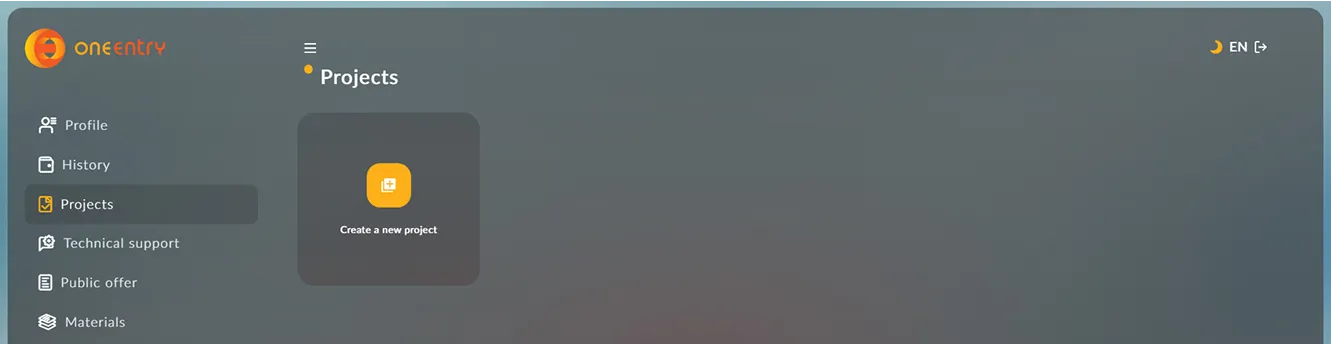
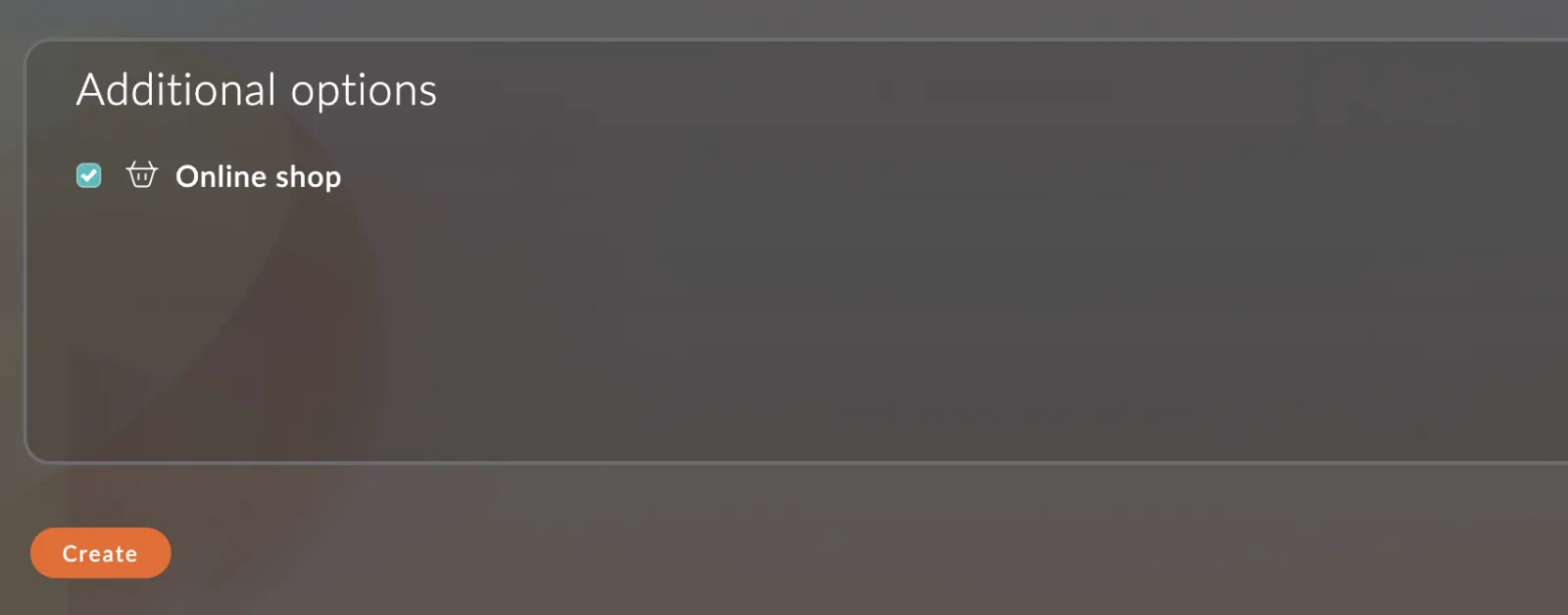
When creating a project, select the additional option "Online shop"
Create an environment variable file: .env
and specify the following variables in it:
url: 'https://name_your_project.oneentry.cloud' token: '...'
The token is created in your project: Settings - App tokens
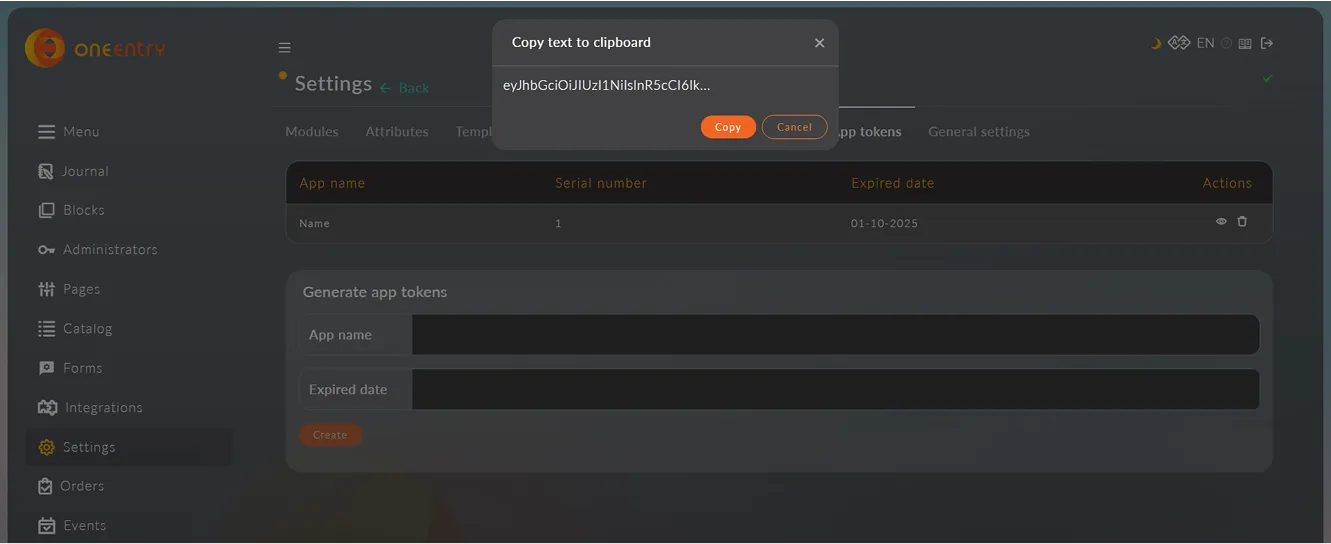
Run building the project: npm run build
Download, set up, and use!
Download the source code
Free · version 0.0.1 beta